The Statue That Copied Me
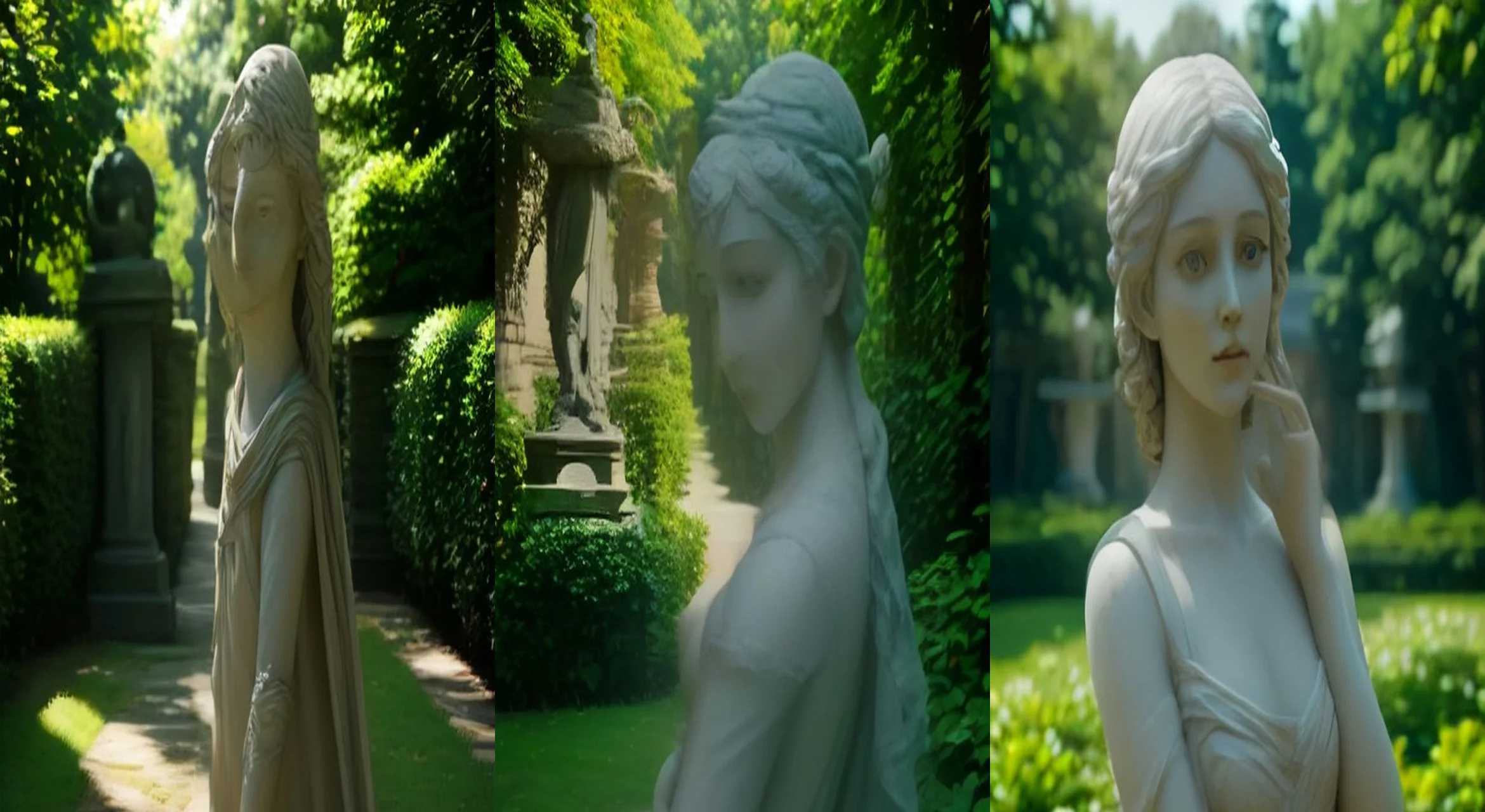
You pose beside a classical garden statue for a photo — and the moment you turn away, the statue quietly copies your pose. Bring one clear photo of yourself. This is a photo-based prompt: upload your photo, then paste the full master prompt below into Google Flow, Veo, Kling or your AI video tool of choice. It includes the start frame, timed video direction, sound and a negative prompt — everything needed to recreate the format.
The master prompt
START FRAME (image): A museum garden in soft afternoon light: the person from the uploaded photo standing beside a classical stone statue of similar height, both facing the camera, gravel path and hedges behind; the person's face, hair and outfit preserved exactly.
VIDEO (9:16, 10 seconds): 0–3s — the person raises one arm in a playful pose for the "photo"; the statue does nothing. 3–7s — the person turns away to check their phone; behind them, with a faint stone-grind, the statue slowly raises the same arm into the same pose. 7–10s — the person spins back, sees the copied pose, and does a wide-eyed double-take at the camera; the statue freezes innocent.
SOUND: hushed garden ambience, one faint stone creak during the move, a single comedic sting on the double-take.
NEGATIVE: the statue walking or chasing, horror tone, face or identity drift, outfit changes, extra limbs, text, logos, watermarks.
How to use this prompt
Frequently asked questions
What do I need to use the The Statue That Copied Me prompt?
Just one clear photo of yourself, plus the master prompt. Upload the photo, paste the full prompt, and generate in 9:16 — your face, hair and outfit are preserved exactly while the scene plays out around you.
Which AI video tools does this prompt work with?
Any modern AI video generator — Google Flow (Veo), Kling, Runway or Luma. Paste the full prompt, set a vertical 9:16 frame and a 10-second duration, and generate. The timed beats, sound notes and negative prompt are written to work as-is in all of them.
What kind of photo works best for this prompt?
One clear photo of yourself with your face and outfit fully visible and a little space beside you in the frame — that gap is where the statue stands. Full or half-body shots work best; the prompt preserves your face, hair and outfit exactly while the statue does the moving.
Related prompts
The Impossible Goal Replay
A towering dinosaur-like creature in a generic football kit flicks the ball over the keeper and scores — pure stadium spectacle, no real players or club logos.
Photo DuetsThe Concha Stare
The subject dances up to the camera with a giant concha pastry, takes a huge bite, and dead-stares the lens without blinking. The stare is the joke.
Retro Portraits1986 VHS Portrait
Your selfie reborn as a soft-focus 1986 studio portrait — feathered era styling, film grain, date stamp, face preserved exactly.