The Figure in the Doorway
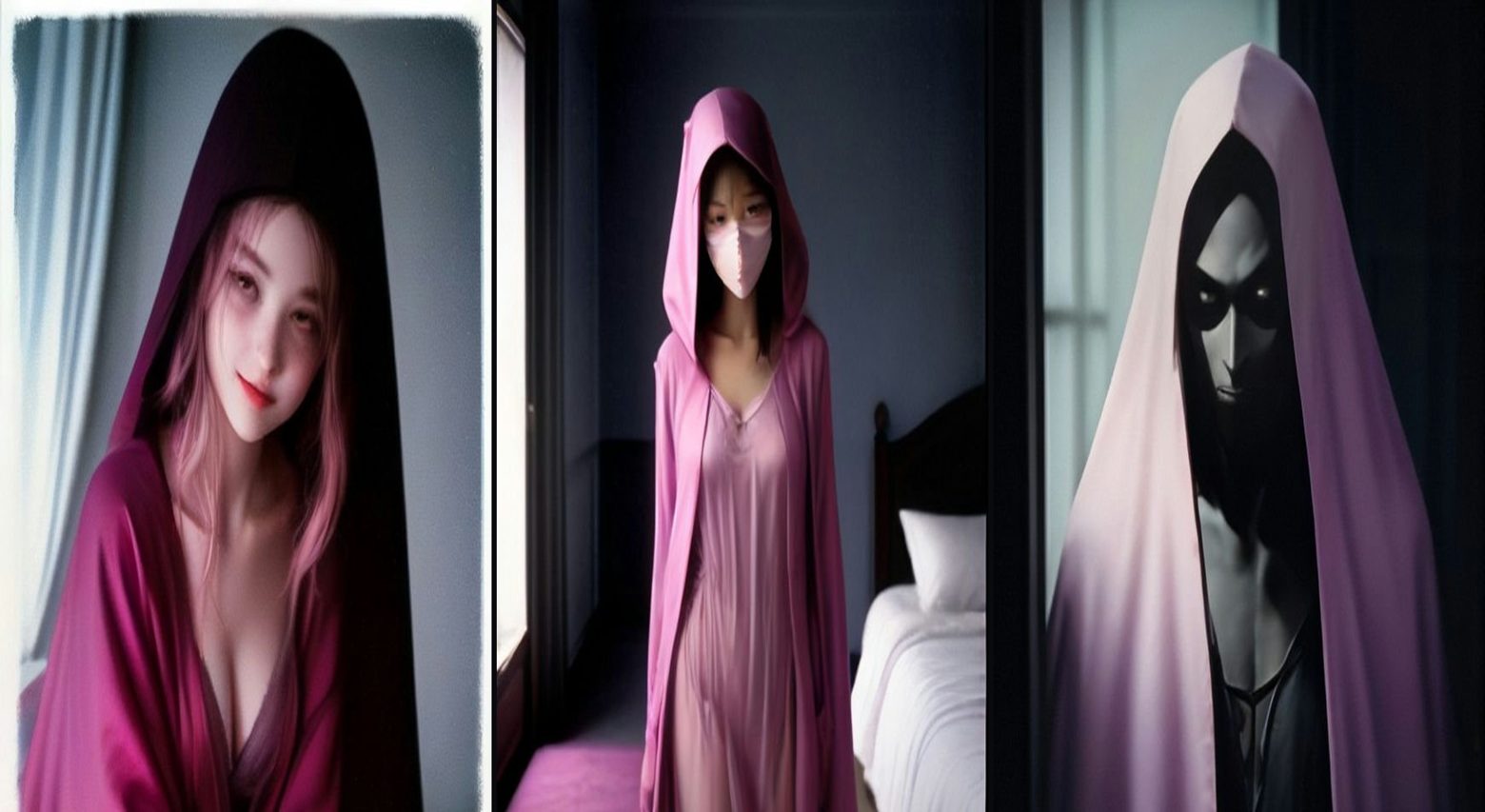
A cozy flash-photo portrait with a silent masked figure standing in the dark doorway behind — visible from the very first frame. This is a photo-based prompt: upload your photo, then paste the full master prompt below into Google Flow, Veo, Kling or your AI video tool of choice. It includes the start frame, timed video direction, sound and a negative prompt — everything needed to recreate the format.
The master prompt
START FRAME (image): Grainy flash photograph, late-90s film look: a cozy bedroom at night, the person from the uploaded photo sitting on the bed looking at the camera with a relaxed smile, pink satin bedding, soft cluttered background slightly blurred. Standing silently in the dark doorway behind them: a tall figure in a black hooded robe wearing a long white expressionless mask, motionless. Film grain, harsh direct flash, slight motion blur on the edges.
VIDEO (9:16, 6 seconds): Start on the same frame. Slow cinematic push-in toward the bed over 6 seconds; the figure in the doorway does not move; the hallway light flickers once. Keep the person's face, hair and body exactly unchanged. Grainy, low-light, flash-photo aesthetic.
SOUND: Silence, then one low synth pulse.
NEGATIVE: Face changes, figure walking, blood, knife, text, watermarks.
How to use this prompt
Related prompts
Vampire Morph
A plain selfie transforms mid-clip into an elegant candlelit vampire — same face, same person, only the transformation changes.
Seasonal HalloweenPumpkin Patch Toddler
A happy toddler in a tiny knit sweater dwarfed by giant pumpkins at golden hour — cozy autumn, zero scares.
AI Baby & ToddlerTiny Toddler Squad — The Giant Strawberry Carry
Five chubby toddlers in matching outfits team-carry one giant strawberry across a backyard. Teamwork, wobbles and a big cheer at the end.